You must have been wondering if it was possible to back date your WordPress posts. The answer is YES. WordPress allows you to change date...

You must have been wondering if it was possible to back date your WordPress posts. The answer is YES. WordPress allows you to change dates on any posts that you write. You can publish a post with current date and time, back date it to a past date and time, or you can even schedule posts to be published in the future. In this article, we will show you how to back date your WordPress posts.

Start by editing the post that you want to back date in your WordPress admin area.
On the post editor screen, under the Publish meta box you will see the option to publish the post immediately. Right next to it, there is an edit link. Clicking on the edit link will display the post’s time and date settings.
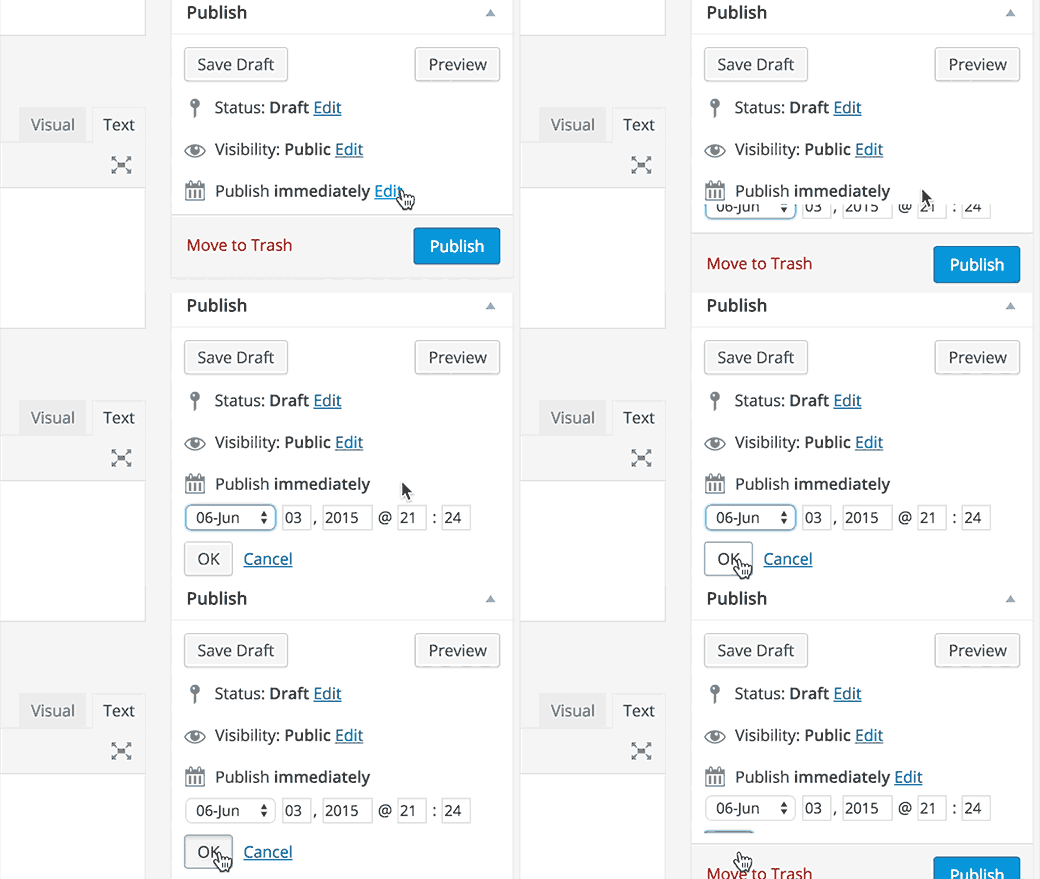
Using the date and time settings, you can choose any date and time in the past as well as in the future. Choosing a future date and time will allow you to schedule the post to be published on that time.
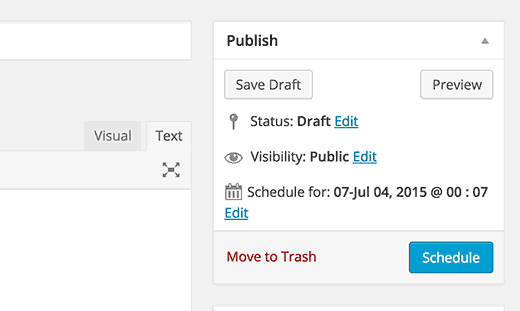
On the other hand, choosing a date and time in the past will update the date and change the post’s position in your site’s archive pages. For example if you change the month of a post from June to January, then it will appear on the January’s monthly archive page even if you just published that post. The post will also appear accordingly on the all posts list page in the admin area.
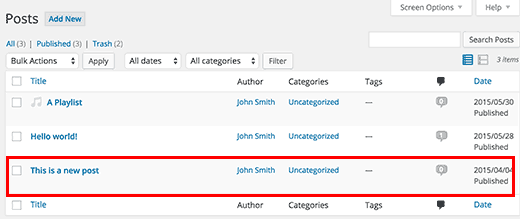
This is particularly useful when you want to publish an article, but don’t want it to appear on the front page of your site. You can just back date it to a date earlier than the last post on your site’s front-page.
How to Show Last Updated Date
Some users believe that they should remove dates altogether from their blogs to trick search engines into believing that their content is not time-sensitive and is always fresh.
We disagree with that opinion entirely. It does not help with your site’s SEO, and it’s terrible for user experience. See our article on why you should not remove dates from your WordPress blog posts for more information on this topic.
At WPBeginner, we show the last updated date of an article instead of the publish date. Last updated dates are particularly useful for sites where content is regularly updated. Here is how to show last updated date on your WordPress blog posts.
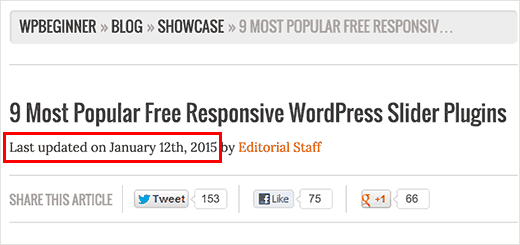
Locate the code that shows the post’s date and time in your theme files (usually in loop.php or single.php). Next replace it with this code:
Last updated on <time datetime="<?php the_modified_time('Y-m-d'); ?>"><?php the_modified_time('F jS, Y'); ?></time>
We hope this article helped you learn how to back date WordPress posts. You may also want to see our guide on how to
Source - WpBeginner


